
-
×
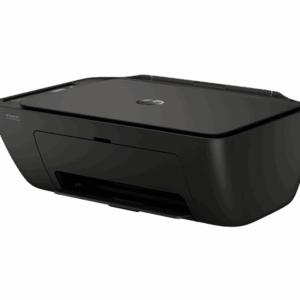 HP DeskJet Ink Advantage 2975 All-in-One Printer Sale Trinidad
1 × $795.00 TTD
HP DeskJet Ink Advantage 2975 All-in-One Printer Sale Trinidad
1 × $795.00 TTD
Subtotal: $795.00 TTD
Call for availability
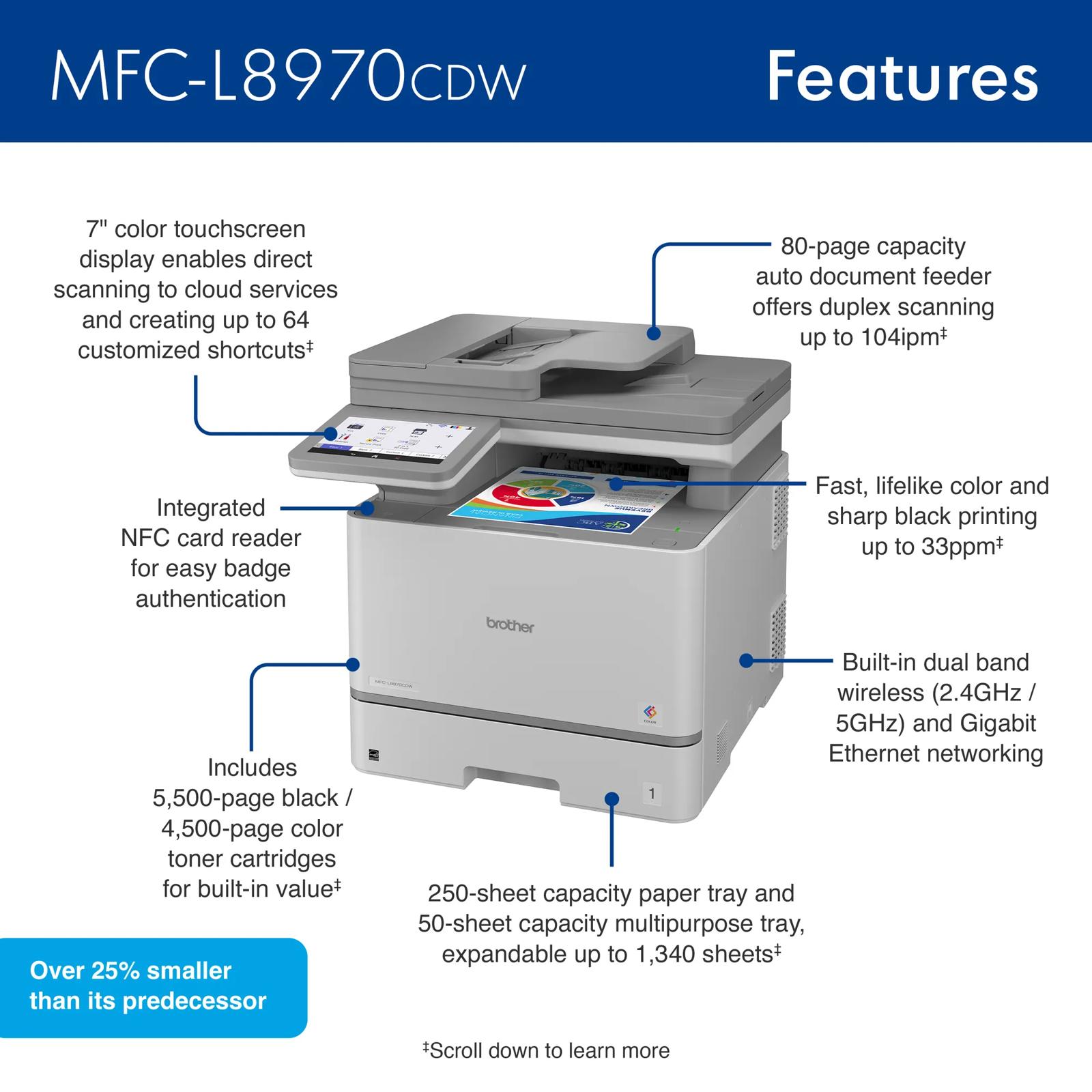
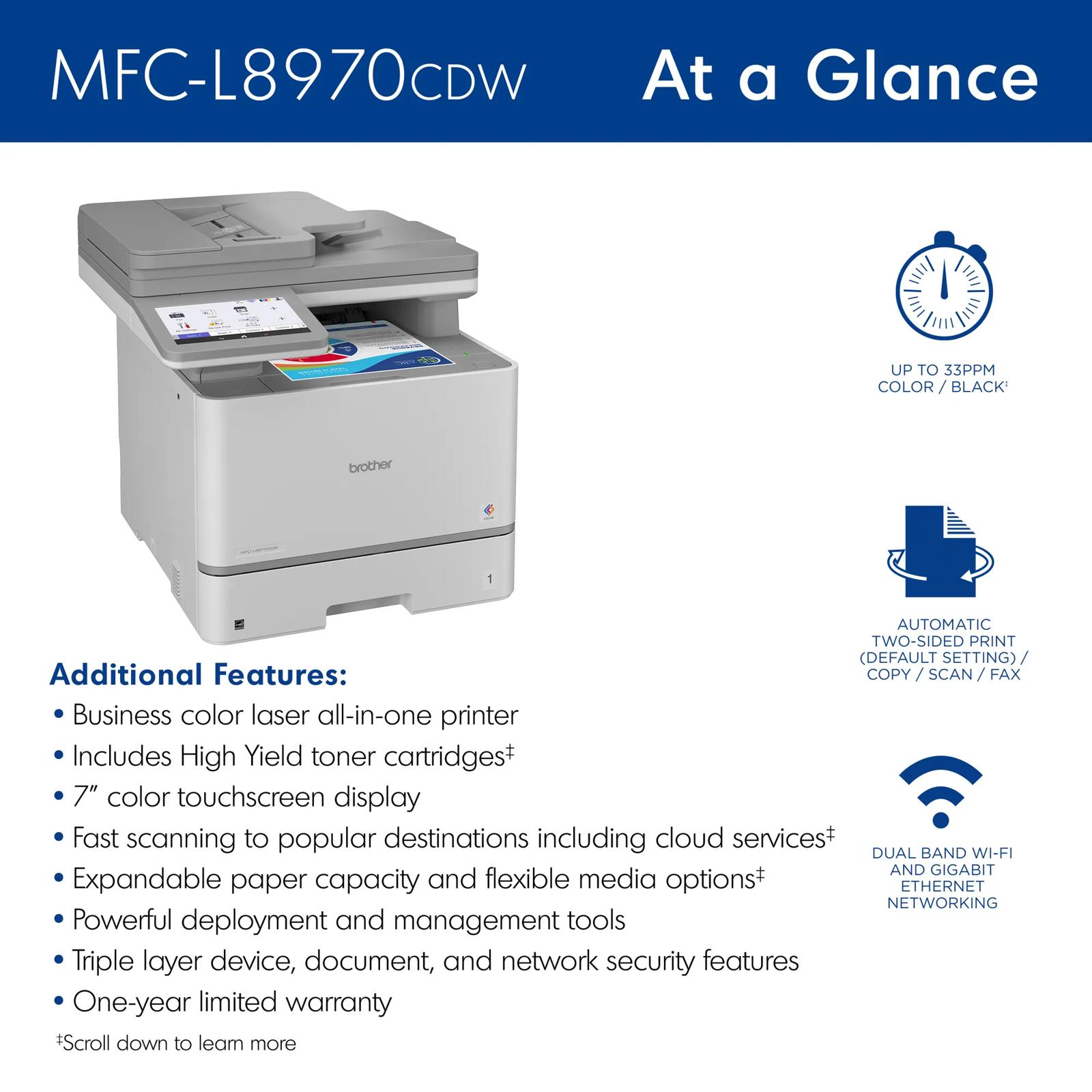
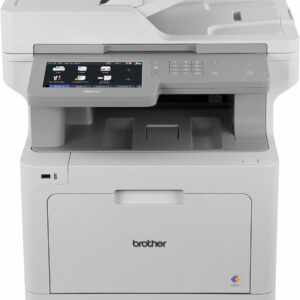
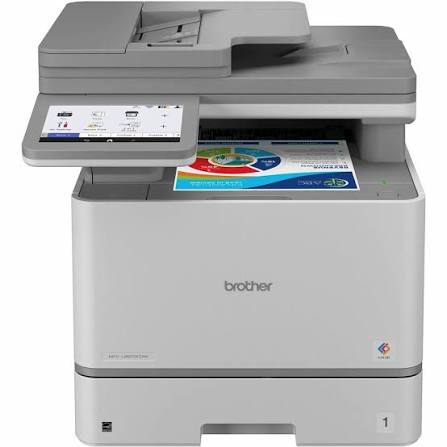
🖨️ Brother Workhorse MFC-L8970CDW Business Color Laser All-in-One Printer
✅ Print, Copy, Scan & Fax — all in one powerful machine
🎨 High-quality color laser printing up to 33 ppm (color & mono)
📄 Automatic duplex (two-sided) printing, copying & scanning
📡 Wireless, Ethernet, USB & NFC connectivity
🗂️ 50-sheet Auto Document Feeder + flatbed scanner
📱 Mobile printing via Brother iPrint&Scan, AirPrint & Mopria
🇹🇹 Available in Trinidad and Tobago
—
$10,890.00 TTD
Call for availability
🤔 IS YOUR OFFICE PRINTER HOLDING YOUR BUSINESS BACK?
Picture this: a busy workday, a stack of urgent documents, and your printer is jamming — again. Or maybe your current machine crawls through color prints while your team waits, productivity slipping away minute by minute. If your printer feels more like a bottleneck than a business tool, you already know something needs to change. Wouldn’t it be amazing to have a machine that simply keeps up — no matter how demanding the workday gets?
✨ MEET THE SOLUTION YOUR BUSINESS HAS BEEN WAITING FOR
Introducing the Brother Workhorse MFC-L8970CDW Business Color Laser All-in-One Printer — engineered for high-demand office environments that can’t afford downtime. This is not just a printer; it’s a complete document management powerhouse. Businesses across Trinidad and Tobago are upgrading their offices with this beast of a machine, and stock won’t last forever. If you’re serious about professional-grade output and seamless workflow, now is the time to act.
🔧 FEATURES & SPECIFICATIONS
Print Technology: Color Laser
Functions: Print | Copy | Scan | Fax
Print Speed: Up to 33 ppm (color and monochrome)
Print Resolution: Up to 600 x 2400 dpi
Duplex Printing: Automatic (two-sided) printing, copying & scanning
Display: Large color touchscreen for easy navigation
Paper Capacity: 300-sheet standard input capacity (expandable)
Auto Document Feeder: 50-sheet ADF for multi-page scanning and copying
Connectivity: Wireless (Wi-Fi), Gigabit Ethernet, Hi-Speed USB, NFC (Near Field Communication)
Mobile Printing: Brother iPrint&Scan, Apple AirPrint, Mopria Print Service, Wi-Fi Direct
Security Features: Secure Print, Active Directory & LDAP support, SSL/TLS, IPsec
Operating Systems: Windows, Mac, Linux compatible
Duty Cycle: Up to 60,000 pages/month
Toner: High-yield and super high-yield toner cartridge options available
Dimensions & Weight: Compact Workhorse design built for desk or cabinet placement in professional environments
—
📖 HOW TO USE THE BROTHER MFC-L8970CDW
Getting started with the MFC-L8970CDW is refreshingly simple, even for teams with mixed levels of tech experience.
Step 1 — Set Up: Unbox the printer, load paper into the 300-sheet tray, and install the included toner cartridges. The intuitive color touchscreen walks you through initial setup in minutes.
Step 2 — Connect: Choose your preferred connection — plug into your office network via Ethernet, connect wirelessly via Wi-Fi, or tap your mobile device using NFC for instant printing without setup.
Step 3 — Print: Send documents directly from your PC, Mac, or smartphone. Use the Brother iPrint&Scan app to print and scan from virtually anywhere in your office or even remotely.
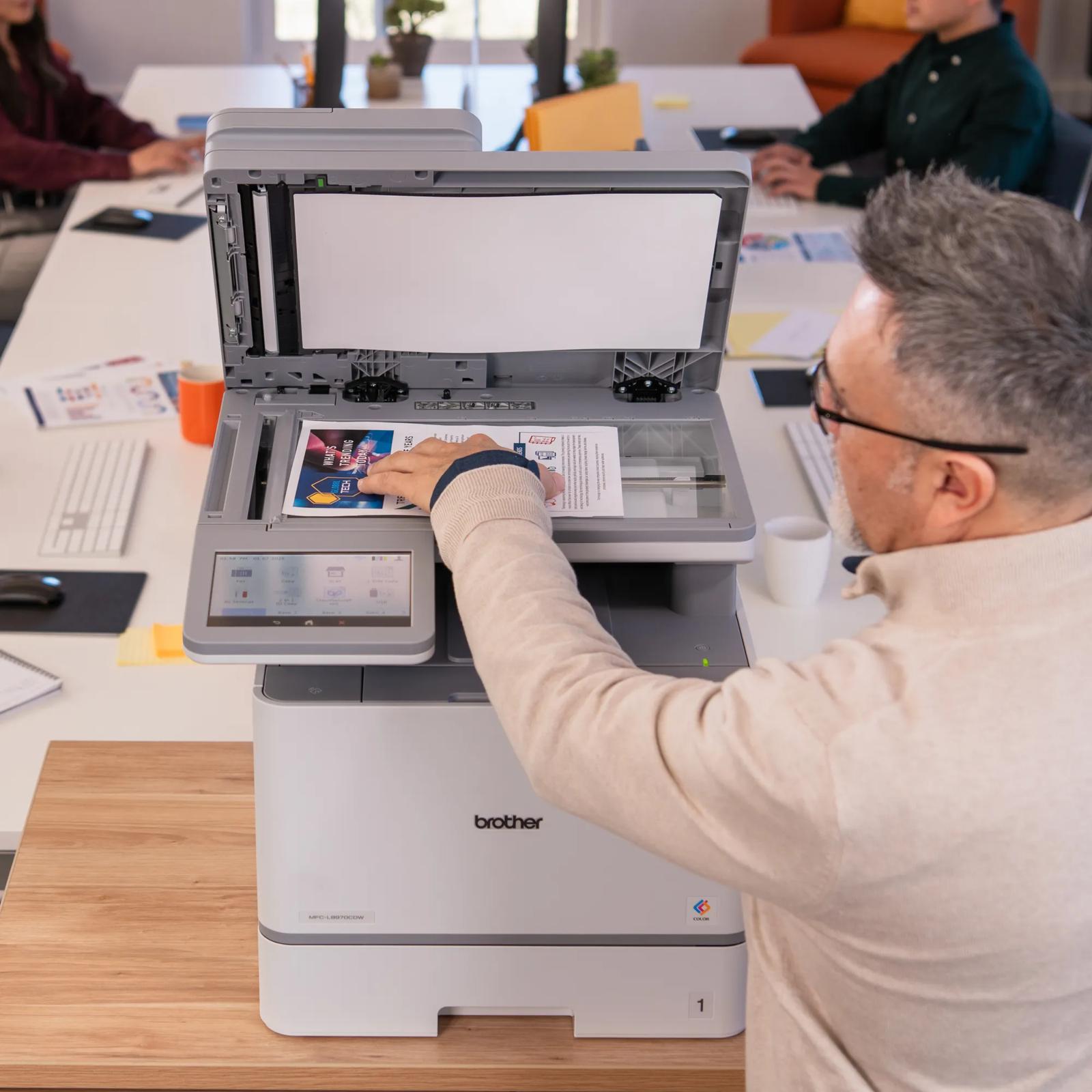
Step 4 — Copy & Scan: Load multi-page documents into the 50-sheet ADF and copy or scan entire batches automatically — no manual page-flipping needed.
Step 5 — Fax: Use the built-in fax functionality for industries that still rely on fax communication, including legal, medical, and government sectors.
Step 6 — Manage: Use the secure print feature to protect sensitive documents, and manage users and access through Active Directory integration for larger teams.
—
💡 BENEFITS & SOLUTIONS FOR YOUR BUSINESS
Time Savings: At 33 pages per minute in both color and black & white, your team spends less time waiting and more time working. The 50-sheet ADF handles batch scanning and copying automatically — freeing up staff for higher-value tasks.
Cost Efficiency: High-yield and super high-yield toner options mean you print more pages per cartridge, reducing your cost-per-page significantly. Automatic duplex printing also cuts paper usage in half.
Professional Output: Crisp, vibrant color laser prints at up to 600 x 2400 dpi ensure your proposals, presentations, reports, and marketing materials look polished and professional every time.
Flexibility & Mobility: Whether your team prints from desktops, laptops, tablets, or smartphones, this printer handles it all. NFC, Wi-Fi Direct, and cloud-connected mobile apps make flexible printing effortless.
Security & Peace of Mind: Secure print, SSL/TLS encryption, and Active Directory integration ensure sensitive business documents stay protected — critical for law firms, healthcare providers, financial institutions, and government offices.
Reliability: The “Workhorse” name is earned. With a monthly duty cycle of up to 60,000 pages, this machine is built to handle the heaviest office print loads without breaking a sweat.
Scalability: As your business grows, the MFC-L8970CDW grows with you — expandable paper capacity and enterprise-ready features mean this printer fits your needs today and tomorrow.
—
🇹🇹 WHY BUY IN TRINIDAD AND TOBAGO FROM IT PLUS TRINIDAD
Getting premium business equipment in Trinidad and Tobago used to mean long shipping waits, customs headaches, and inflated overseas prices. Not anymore. IT Plus Trinidad brings you the Brother MFC-L8970CDW at affordable pricing right here in T&T — no overseas shipping, no customs stress, no waiting weeks for delivery.
Whether you’re outfitting a corporate office in Port of Spain, a law firm in San Fernando, a medical office in Chaguanas, or a growing SME anywhere across the twin islands, we’ve got you covered. Fast local delivery is available throughout Trinidad and Tobago, so your office can be up and running sooner than you think.
When you shop local with IT Plus Trinidad, you get the best value on top-brand business technology, backed by a team that understands the needs of businesses right here at home.
—
📞 ORDER NOW — IT’S EASY!
Ready to upgrade your office? Ordering the Brother MFC-L8970CDW is simple and hassle-free!
📧 Email us: [email protected]
📱 WhatsApp us: 868-356-1030
💳 Payment via online banking accepted
🚚 Delivery available throughout Trinidad and Tobago
Drop us a message today — our friendly team is ready to answer your questions, confirm availability, and get your order on the way. Don’t let a slow, unreliable printer cost your business another productive day. Upgrade now with IT Plus Trinidad!
—
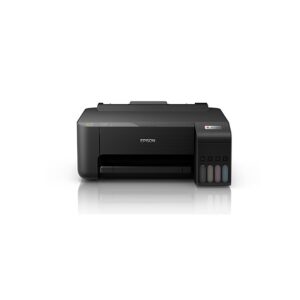
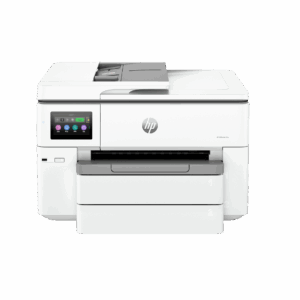
(HP OfficeJet Pro 9730e) For Sale Trinidad
📄 Fast, Wide-Format Printing Meets Office Efficiency!
🖨️ Fast Print Speeds: Up to 22 ppm (black) / 18 ppm (color)
🎨 P3 Color Gamut: World’s first wide-format printer with P3 for screen-accurate color
🔁 Auto-Duplex: Automatic 2-sided printing & document feeder
📱 Mobile Printing: Print, scan, copy & fax with the HP Smart App
🌐 Reliable Wi-Fi: Dual-band connectivity with auto repair
🔒 11 x 17 Wide Format Printer
♻️ Eco-Friendly: Made with over 30% recycled plastic
🖥️ 4.3” Touchscreen: Intuitive, phone-like user interface
• UPC Code: 9749764998