
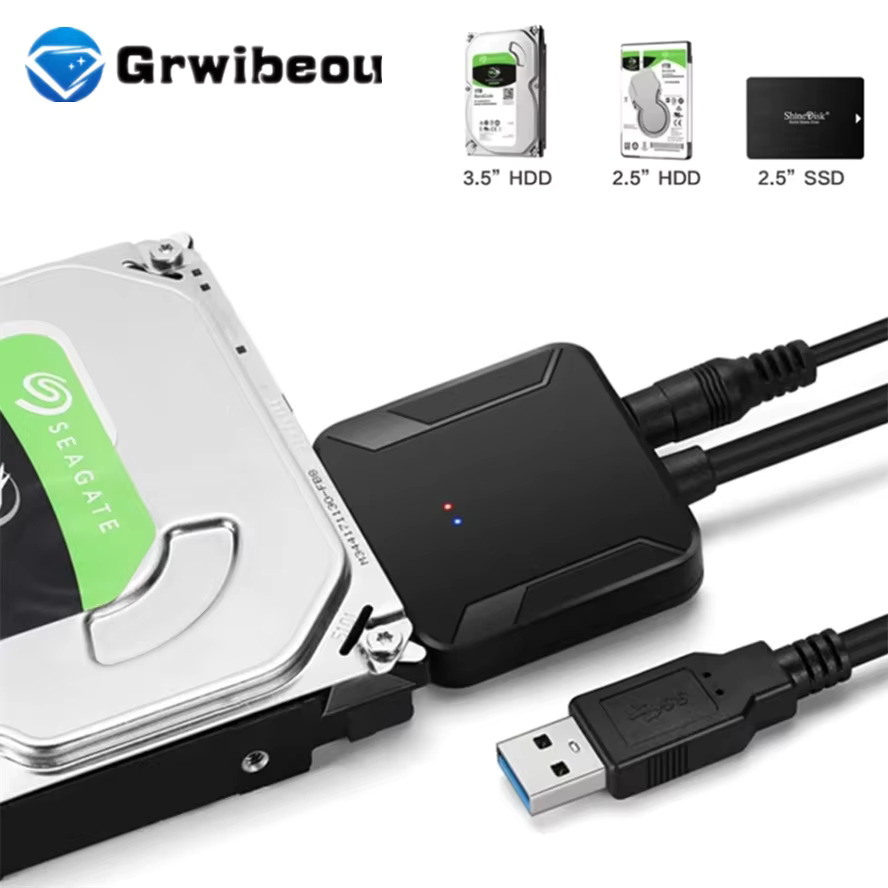
SATA to USB 3.0 Adapter Cable for 2.5″ & 3.5″ HDD/SSD For Sale Trinidad
3 in stock (can be backordered)
• 🔌 Converts SATA hard drives to USB 3.0 — works with 2.5″ and 3.5″ HDD/SSD
• ⚡ USB 3.0 speeds up to 5Gbps with UASP support for faster data transfers
• 🖥️ Compatible with SATA I, II, and III drives
• 🔧 Includes 12V power adapter for 3.5″ desktop hard drives
• 💾 Ideal for data recovery, backup, cloning, and storage access
• 🔄 Plug-and-play — no drivers needed for most operating systems
• 🪶 Lightweight and portable — great for home, office, or on the go
• 🇹🇹 Available in Trinidad and Tobago
UPC
$249.99 TTD $299.00 TTD
3 in stock (can be backordered)
🤔 GOT AN OLD HARD DRIVE COLLECTING DUST?
Do you have a spare laptop or desktop hard drive sitting around with important files on it — photos, documents, videos — but no way to access them? Maybe you upgraded your PC and pulled out the old drive, or a laptop died but the hard drive is still perfectly fine. Sound familiar? If you’re nodding your head right now, keep reading — because this little cable is exactly what you need.

✨ THE PERFECT SOLUTION FOR ANY SATA DRIVE
Introducing the SATA to USB 3.0 Adapter Cable — the quick, affordable, and hassle-free way to connect any 2.5″ or 3.5″ SATA hard drive or SSD directly to your computer via USB. No enclosure needed. No tools. No tech degree. Just plug in and access your data in seconds. Whether you’re recovering files, backing up data, or using an old drive as extra portable storage, this adapter makes it effortless. Don’t let those drives go to waste — put them back to work today!

🔧 FEATURES & SPECIFICATIONS
Interface: USB 3.0 (backward compatible with USB 2.0)
Drive Compatibility: SATA I / SATA II / SATA III
Supported Drive Sizes: 2.5″ (laptop HDD/SSD) and 3.5″ (desktop HDD)
Transfer Speed: Up to 5Gbps with UASP (USB Attached SCSI Protocol) support
Power: Includes 12V/2A power adapter for powering 3.5″ desktop drives (2.5″ drives are typically bus-powered via USB)
Plug-and-Play: No driver installation required for Windows 10/11, macOS, Linux
Cable Type: SATA data + power combo connector on one end, USB 3.0 Type-A on the other
Build: Durable connectors with a flexible cable for easy positioning
What’s in the Box: SATA to USB 3.0 adapter cable + 12V power adapter
📖 HOW TO USE IT
Using this adapter is straightforward — even if you’re not tech-savvy:
Step 1 — Connect the SATA end of the cable to your hard drive or SSD (fits the standard SATA data + power port on the drive)
Step 2 — Plug the USB 3.0 end into an available USB port on your laptop or desktop computer
Step 3 — If using a 3.5″ desktop drive, also connect the 12V power adapter to the cable and plug it into a wall outlet
Step 4 — Your operating system will detect the drive automatically (plug-and-play)
Step 5 — Open File Explorer (Windows) or Finder (Mac) and access your files instantly
That’s it! No software, no complicated setup, no stress.

💡 BENEFITS & SOLUTIONS
✅ Recover files from a dead laptop without spending a fortune on data recovery services
✅ Back up your old hard drives before upgrading your system
✅ Repurpose old drives as external storage — save money on buying new external drives
✅ Clone drives easily using your preferred cloning software
✅ UASP support means significantly faster transfers compared to standard USB adapters
✅ Works with both solid-state drives (SSD) and traditional spinning hard drives (HDD)
✅ Save time and money — one adapter works for all your SATA drives, regardless of size
✅ Perfect for IT professionals, home users, and small businesses in Trinidad and Tobago

❓ FREQUENTLY ASKED QUESTIONS
Q: Will this work with my laptop hard drive?
A: Yes! If your laptop uses a 2.5″ SATA hard drive or SSD, this adapter will connect it directly to any USB 3.0 port on your computer. Simply plug in the SATA connector and USB end — no power adapter needed for 2.5″ drives.
Q: Do I need to install any drivers?
A: In most cases, no. The adapter is plug-and-play on Windows 10, Windows 11, and most versions of macOS and Linux. Your computer should detect the drive automatically within seconds.
Q: Can I use this with a desktop 3.5″ hard drive?
A: Absolutely. The included 12V power adapter provides the extra power that 3.5″ desktop drives require, so everything you need is in the box.
Q: What’s the difference between using UASP vs. non-UASP?
A: UASP (USB Attached SCSI Protocol) allows for much faster data transfer speeds — especially noticeable when copying large files. As long as your computer’s USB 3.0 port supports UASP (most modern systems do), you’ll benefit from the speed boost.
Q: Will this work with an SSD as well as a regular HDD?
A: Yes, as long as the SSD uses a SATA interface (not NVMe/M.2). Most 2.5″ SSDs use SATA, so they’ll work perfectly with this adapter.
Q: I’m not sure if my drive is compatible — can you help?
A: WhatsApp us at 868-356-1030 and we’ll confirm for your setup.

🇹🇹 WHY BUY IN TRINIDAD AND TOBAGO
Why wait weeks for overseas shipping or pay excessive import duties when you can get this right here in Trinidad and Tobago? IT Plus Trinidad brings you quality tech accessories at affordable pricing — locally available and ready to deliver. No customs headaches, no long waits, no stress. We offer fast delivery throughout Trinidad and Tobago so you can get back to what matters — your work, your files, and your business. Shopping local means you also get real support from people you can actually reach when you need help.
📞 ORDER NOW — IT’S EASY!
Getting your SATA to USB 3.0 Adapter is simple:
📧 Email us: [email protected]
📱 WhatsApp us: 868-356-1030
💳 We accept online banking for convenient, cashless payments
🚚 Delivery available throughout Trinidad and Tobago
Don’t wait — message us today and we’ll have it on its way to you!
Related products
-
Cables, HDMI Cables
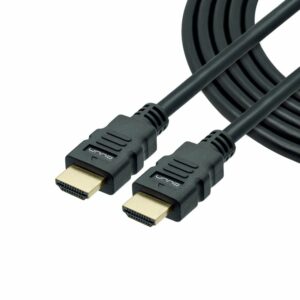
Unno Tekno HDMI Cable 100ft For Sale Trinidad
Product Description
Enjoy your favorite shows and movies with our affordable line of HDMI cables. Easy connect your TV, game console or Blu-Ray player and simplify those messy connections. Elevate your experience with an impressive full HD resolution and astonishing surround sound.
- HDMI V1.4.
- Supports full HD 1080p resolution.
- Compatible with most common 3D formats.
- High-speed data channel embedded.
- Audio return channel embedded.
- 100 ft length.
SKU: n/a -
Cables, Two Prong Power Cable
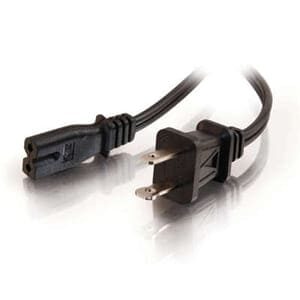
Agiler 2 Prong Power Cord in 6ft For Sale Trinidad
Product Description
This outlet saver cord keeps your surge strip and UPS outlets from being blocked by bulky AC transformers. It is designed to work with power transformers, computers, monitors, scanners, printers, and other devices that use the 3-pin male-to-female shroud power connector. Plus this heavy-duty 18 AWG cord features a fully molded design for maximum durability and long life. The female connector plugs directly into the device power cable while the male connector plugs into a standard outlet
Buying Wholesale / Bulk?
Get 10 Pieces for $20 each
Click For ListSKU: n/a -
Cables, HDMI Cables
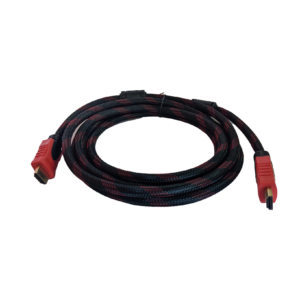
Bluedot 10ft HDMI Braided Cable For Sale Trinidad
‘- Latest version HDMI cable supports 4K@ 60Hz, UHD, HDR, 3D content, Ethernet and Audio Return Channel
– Gold Plated Connectors for exceptional quality.
– High Strenght Double Braided Nylon Jacket for durability.- 4K, UHD, 2160p, 1440p, 1080p, 1080i, 720p, 480p, and 480i Resolutions
– Supports Refresh Rates of up to 240hz and 48-Bit Deep Color- Supports Transfer Rates of Up to 18gbps
– Supports up to 32 audio channels and 1536 kHz audio- Works with all HDTVs, Blu-ray players, Xbox, Xbox 360, PS4, PS3 and other HDMI devices
SKU: n/a -
Cables, USB Lightning Cable
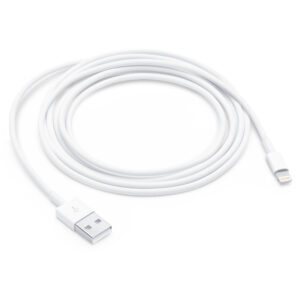
Apple Genuine Lightning to USB Cable (2 m) For Sale Trinidad
This 2-meter USB 2.0 cable connects your iPhone, iPad, or iPod with Lightning connector to your computer’s USB port for syncing and charging. Or you can connect to the Apple USB Power Adapter for convenient charging from a wall outlet.*
SKU: n/a