Amazon Fire TV Stick 4K Select: App Installation Rules & Complete Guide
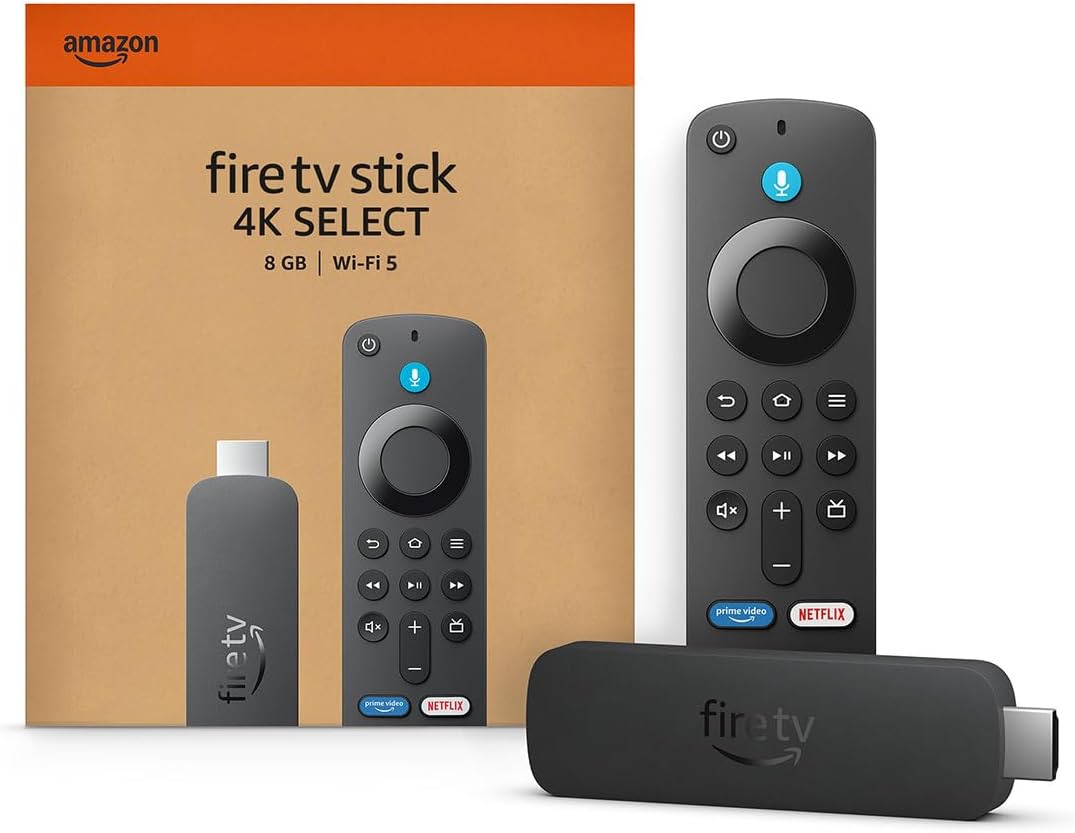
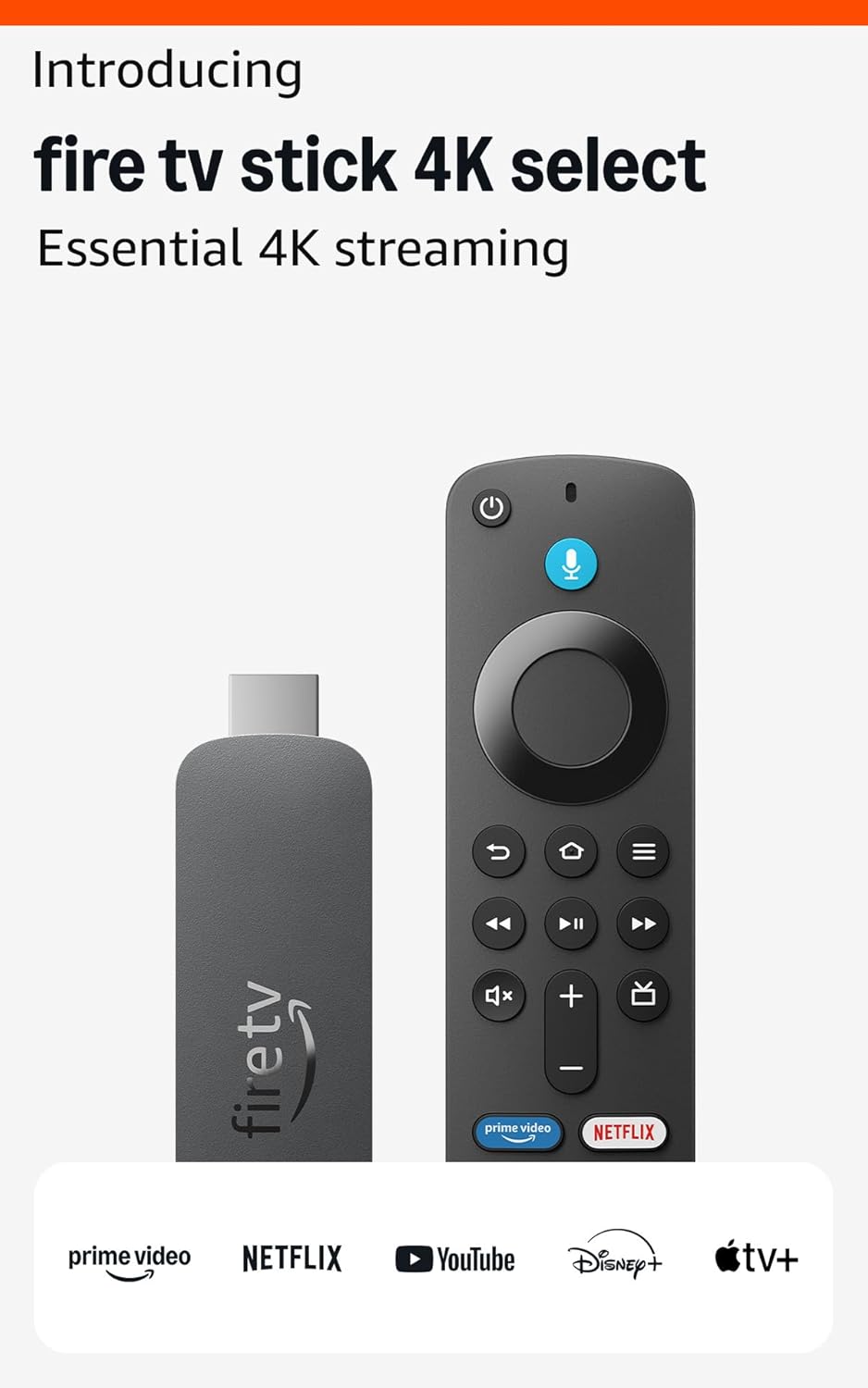
The Amazon Fire TV Stick 4K Select is a powerful streaming device that offers secure app installation through the Amazon Appstore. However, understanding its app installation rules is crucial for maximizing your streaming experience while maintaining device security.
✅ Benefits of Fire TV Stick 4K Select App Ecosystem
1. Secure Streaming Device with Built-in Protection
The Fire TV Stick 4K Select operates within a secure ecosystem where only apps from the Amazon Appstore are allowed by default. This significantly reduces malware risks and protects your device from potentially harmful applications.
Key Security Features:
- Curated app selection vetted by Amazon
- Automatic security updates for installed apps
- Protection against unauthorized software
- Safe browsing environment for family streaming
2. Easy One-Click App Installation
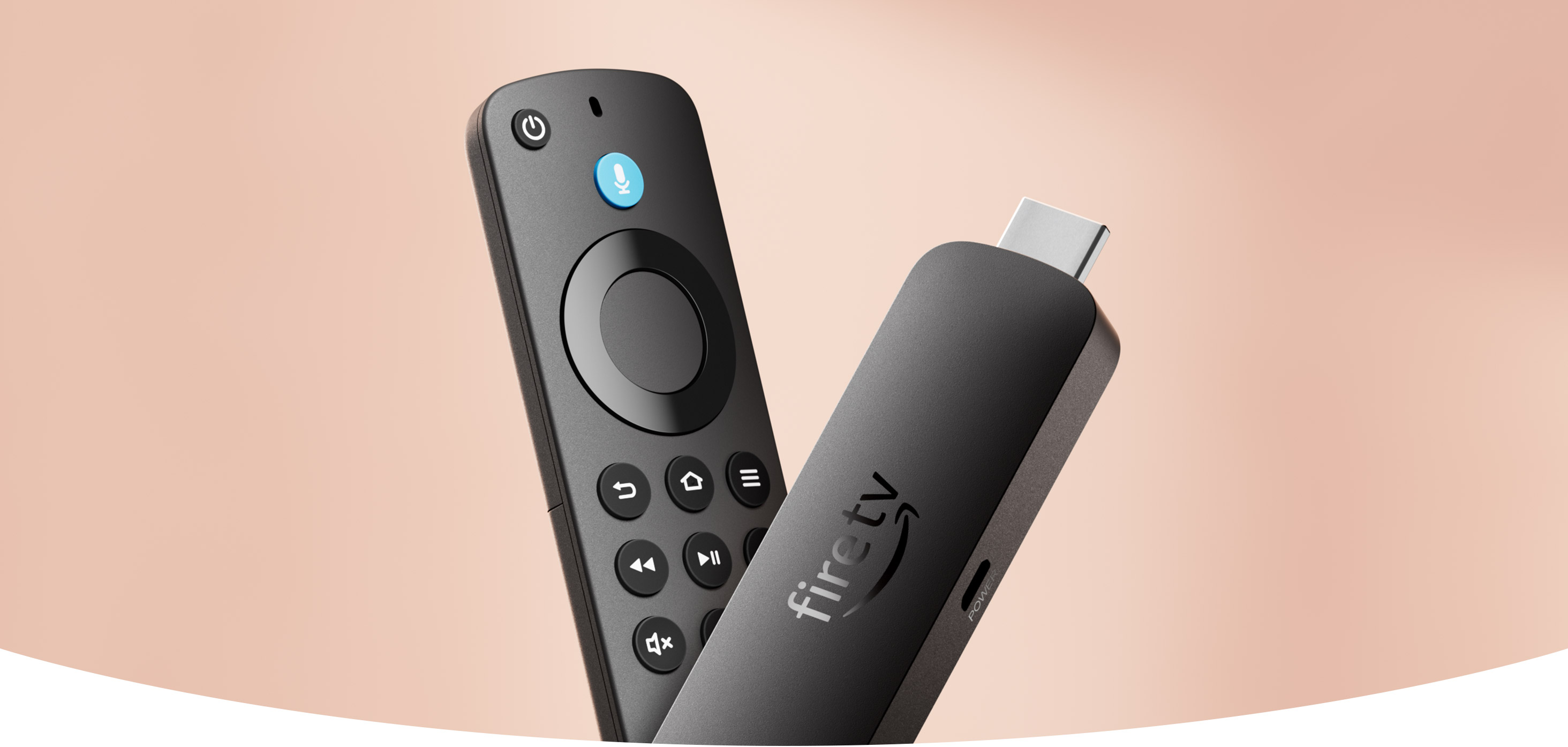
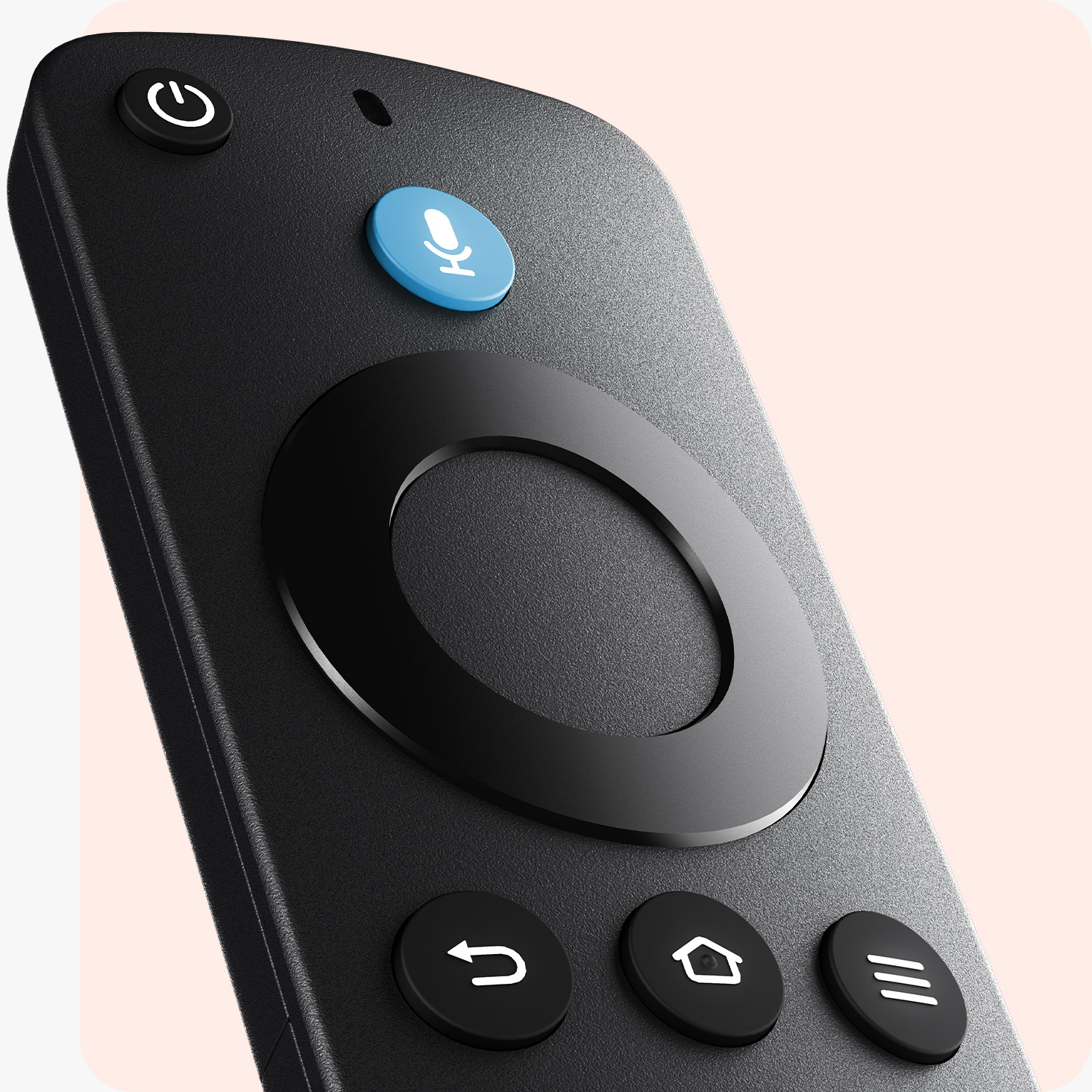
Installing Amazon Appstore apps is incredibly straightforward on the Fire TV Stick 4K Select. Simply search for your desired app using the Alexa voice remote or on-screen search, and download it with one click.
3. Optimized Performance for Fire OS
All apps available in the Amazon Appstore are specifically tested and optimized for Fire OS, ensuring:
- Smooth playback without buffering issues
- Full compatibility with Fire TV hardware
- Proper integration with Fire TV features
- Reliable performance across all streaming services
4. Alexa Voice Remote Convenience
The Alexa voice remote allows hands-free app launching and control. Simply say “Alexa, open Netflix” or “Alexa, launch YouTube” to start streaming instantly without navigating menus.
⚠️ Limitations & Restrictions of Fire TV Stick 4K Select
1. Apps from Unknown Sources Blocked by Default
The Fire TV Stick 4K Select cannot install apps from unknown sources unless you manually enable this setting. This is Amazon’s primary security measure to protect users from potentially harmful applications.
2. Manual Setup Required for Sideloading Apps
To enable sideloading apps on your Fire TV Stick 4K Select, you must:
- Navigate to Settings on your Fire TV home screen
- Select My Fire TV
- Go to Developer Options
- Enable “Apps from Unknown Sources”
- Confirm the security warning
Important Note: On newer Fire TV devices with Fire OS 7 or higher, Developer Options may be hidden. To unlock it, go to Settings > My Fire TV > About, then click on your device name 7 times until you see “You are now a developer!”
3. Fire OS Restrictions & Google Play Services
One significant limitation is that Fire OS does not support Google Play Services. This means:
- Many Android apps requiring Google Play Services won’t work
- Apps like Gmail, Google Maps, and some games may not function properly
- Cloud sync features dependent on Google accounts may be unavailable
4. No Automatic Updates for Sideloaded Apps
When you sideload APK files onto your Fire TV Stick 4K Select, these apps will not receive automatic updates through the Amazon Appstore. You’ll need to:
- Manually check for updates from the original source
- Download and install new APK versions yourself
- Keep track of which apps need updating
5. Security Risks with Unknown Sources
Installing APKs from unknown sources poses several security risks:
- Malware exposure: Unverified apps may contain viruses or spyware
- Data theft: Malicious apps could steal personal information
- Device instability: Poorly coded apps may cause crashes or performance issues
- Privacy concerns: Unknown apps might collect data without consent
Recommended Safety Practices:
- Only download APKs from trusted sources like APKMirror or official developer websites
- Use a VPN when sideloading apps for added security
- Disable “Unknown Sources” after installation is complete
- Install antivirus software if available for Fire TV
6. Limited Amazon Support for Sideloaded Applications
Amazon does not provide warranty coverage or technical support for sideloaded apps. This means:
- If a sideloaded app causes device issues, Amazon support may not help
- Warranty claims could be denied if sideloading caused the problem
- You’re responsible for troubleshooting sideloaded app issues
- No official customer service for third-party applications
How to Safely Sideload Apps on Fire TV Stick 4K Select
If you decide to sideload apps despite the risks, follow these steps for the safest experience:
Step 1: Enable Developer Options
- Go to Settings > My Fire TV > About
- Click on “Fire TV Stick 4K Select” 7 times
- You’ll see a message: “You are now a developer!”
Step 2: Allow Unknown Sources
- Go back to My Fire TV
- Select Developer Options
- Turn on “Apps from Unknown Sources”
- Read the warning and select “Turn On”
Step 3: Install Downloader App
- Search for “Downloader” in the Amazon Appstore
- Install the official Downloader app by AFTV News
- Open the app and allow necessary permissions
Step 4: Download and Install APK Files
- Enter the URL of the APK file you want to install
- Wait for the download to complete
- Click “Install” when prompted
- Once installed, you can delete the APK file to save space
Fire TV Stick 4K Select vs Other Fire TV Models
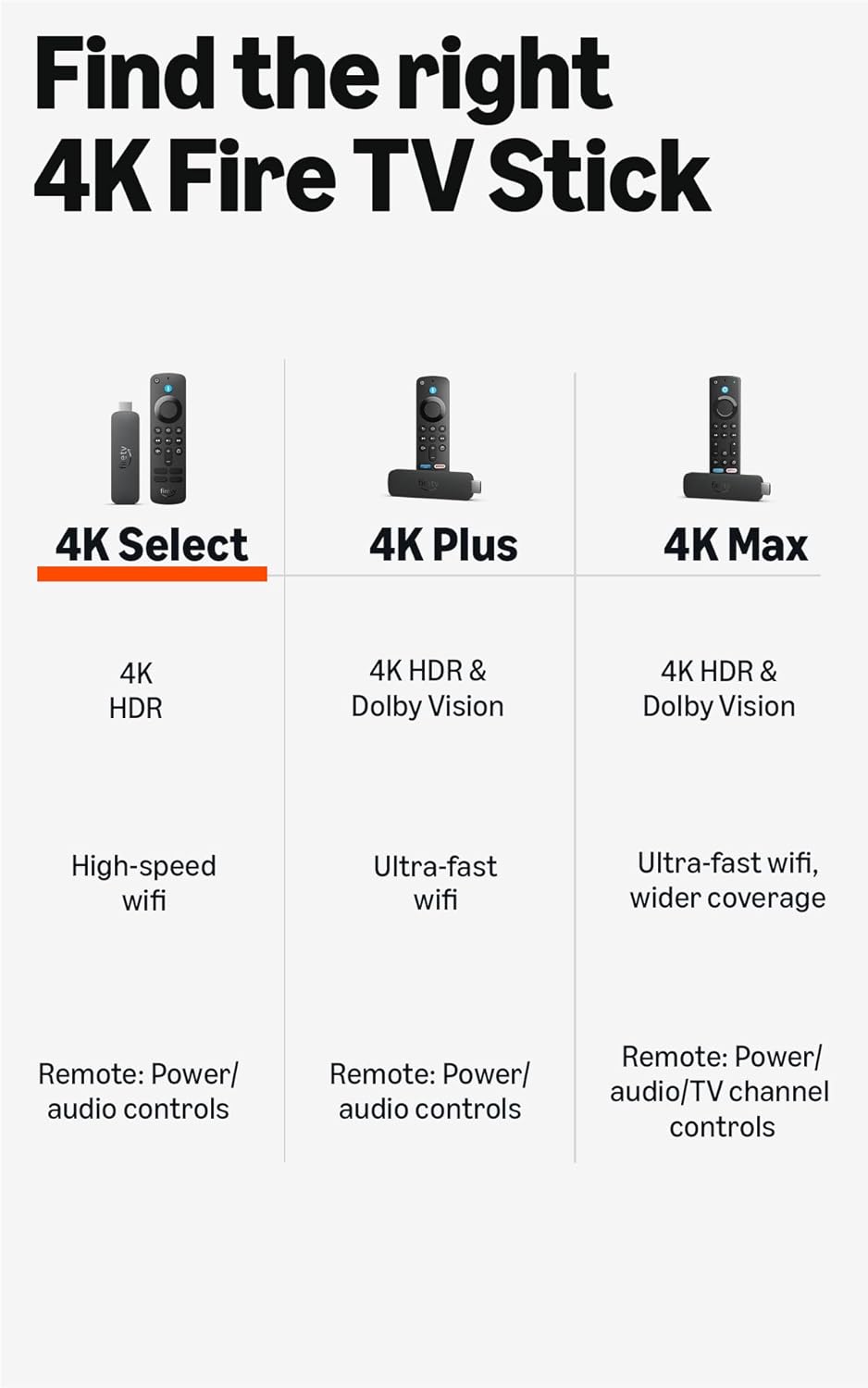
| Feature |
Fire TV Stick 4K Select |
Fire TV Stick 4K |
Fire TV Stick 4K Max |
| Amazon Appstore Access |
✅ Yes |
✅ Yes |
✅ Yes |
| Sideloading Capability |
✅ Yes (with setup) |
✅ Yes (with setup) |
✅ Yes (with setup) |
| 4K Streaming |
✅ Yes |
✅ Yes |
✅ Yes |
| Price Point |
Budget-Friendly |
Mid-Range |
Premium |
| Wi-Fi 6E Support |
❌ No |
❌ No |
✅ Yes |
Frequently Asked Questions (FAQ)
Is it legal to sideload apps on Fire TV Stick 4K Select?
Yes, sideloading apps is legal. However, you must ensure the apps you install don’t violate copyright laws or terms of service. Streaming copyrighted content without permission is illegal.
Will sideloading void my Fire TV Stick warranty?
Sideloading itself doesn’t automatically void your warranty, but if a sideloaded app causes damage to your device, Amazon may refuse warranty service.
Can I install Google Play Store on Fire TV Stick 4K Select?
While technically possible through sideloading, it’s not recommended as Google Play Services don’t work properly on Fire OS, leading to many apps malfunctioning.
What are the best apps to sideload on Fire TV Stick?
Popular sideloaded apps include VLC Media Player, web browsers like Firefox, and apps not available in the Amazon Appstore. Always download from trusted sources.
How do I remove sideloaded apps?
Go to Settings > Applications > Manage Installed Applications, select the sideloaded app, and choose “Uninstall.”
Best Practices for Fire TV Stick 4K Select App Management
Security Tips
- ✅ Keep Fire OS updated to the latest version
- ✅ Only download APKs from reputable sources
- ✅ Use a VPN when streaming content
- ✅ Disable “Unknown Sources” after installing apps
- ✅ Regularly review installed apps and remove unused ones
Performance Optimization
- Clear cache regularly in Settings > Applications
- Uninstall apps you no longer use
- Restart your Fire TV Stick monthly
- Keep at least 500MB of free storage space
Conclusion: Understanding Fire TV Stick 4K Select App Installation
The Amazon Fire TV Stick 4K Select offers a balanced approach to app installation—prioritizing security through the Amazon Appstore while still allowing advanced users to sideload applications when needed. By understanding both the benefits and limitations, you can make informed decisions about app installation that suit your streaming needs.
Remember: while sideloading expands your app options, it comes with security risks. Always prioritize official Amazon Appstore apps when possible, and only sideload from trusted sources with appropriate security measures in place.
Related Keywords: Fire TV Stick 4K Select setup, Amazon Fire OS apps, streaming device security, APK sideloading guide, Fire TV developer options, Alexa voice remote features, secure streaming devices 2024, Fire TV app compatibility
Top Brand: Amazon
Highly Rated
100K+ customers rate items from this brand highly
Trending
100K+ orders for this brand in past 3 months
Low Returns
Customers usually keep items from this brand

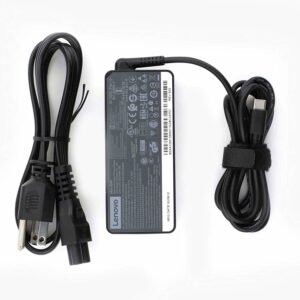 Lenovo Type-C 65W Charger for sale Trinidad
1 × $495.00 TTD
Lenovo Type-C 65W Charger for sale Trinidad
1 × $495.00 TTD  BNC Male to RCA Female Adapter For Sale Trinidad
1 × $11.25 TTD
BNC Male to RCA Female Adapter For Sale Trinidad
1 × $11.25 TTD