
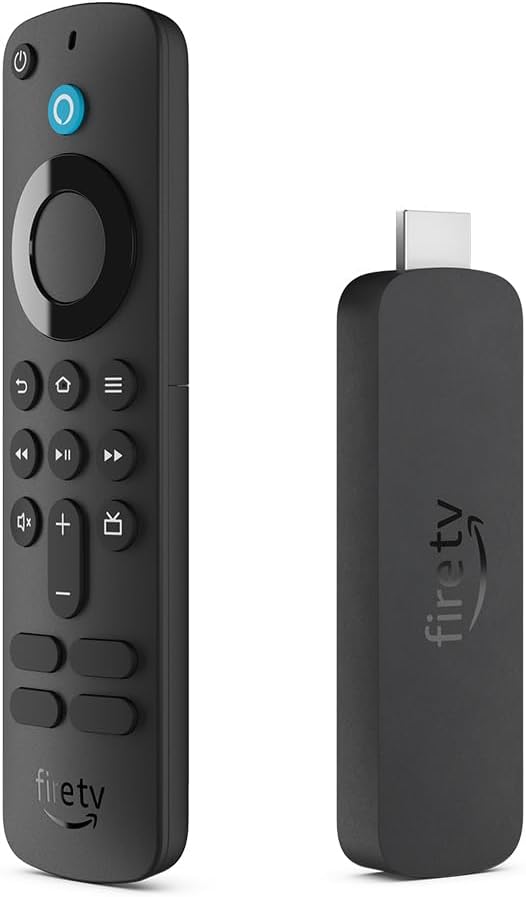
Amazon Fire Tv Stick 4k For Sale Trinidad
4 in stock
- 📺 Advanced 4K Streaming: Elevate your entertainment with improved streaming performance.
- 🎮 Play Xbox Games with No Console Required: Stream Forza Motorsport, Starfield, Palworld, and hundreds of other high-quality games on your Fire TV Stick 4K with Xbox Game Pass Ultimate via cloud gaming.
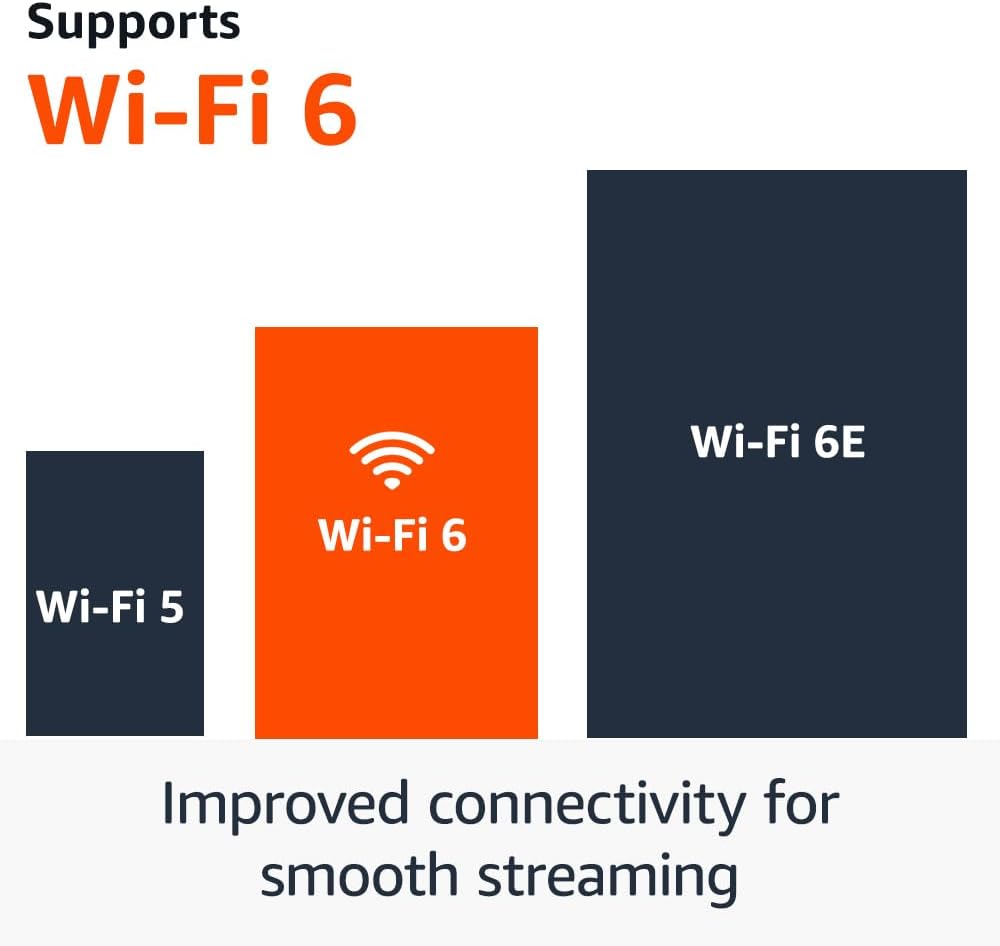
- 📶 Wi-Fi 6 Support: Enjoy smooth 4K streaming even with multiple devices connected to your router.
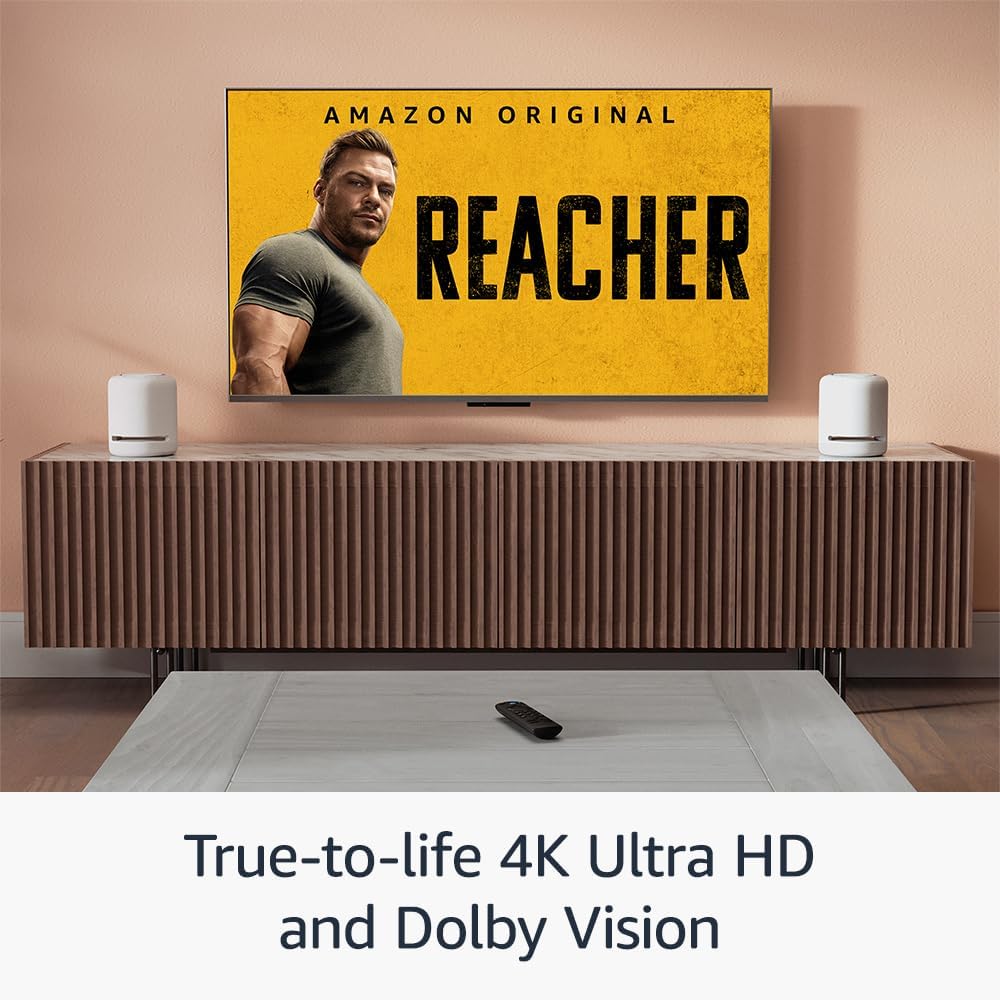
- 🎥 Cinematic Experience: Watch in vibrant 4K Ultra HD with Dolby Vision, HDR10+, and Dolby Atmos audio.
- 🍿 Endless Entertainment: Stream over 1.5 million movies and TV episodes from Netflix, Prime Video, Disney+, Max, and more. Subscription fees may apply.
- 📺 Stream for Free: Access over 300,000 free movies and TV episodes from ad-supported apps like Fire TV Channels, Amazon Freevee, Tubi, and Pluto TV.
- 🎙️ Alexa Voice Remote: Quickly find, launch, and control content with your voice. Use preset buttons for favorite apps and control TV power and volume with one remote.
- 🏠 Do More with Your Smart Home: Control compatible devices like cameras, lights, and more with your remote. Ask Alexa to check the weather or dim the lights.
• IT Plus Code: OBK-R1-S1
• UPC Code: 840268935092
$510.00 TTD
4 in stock

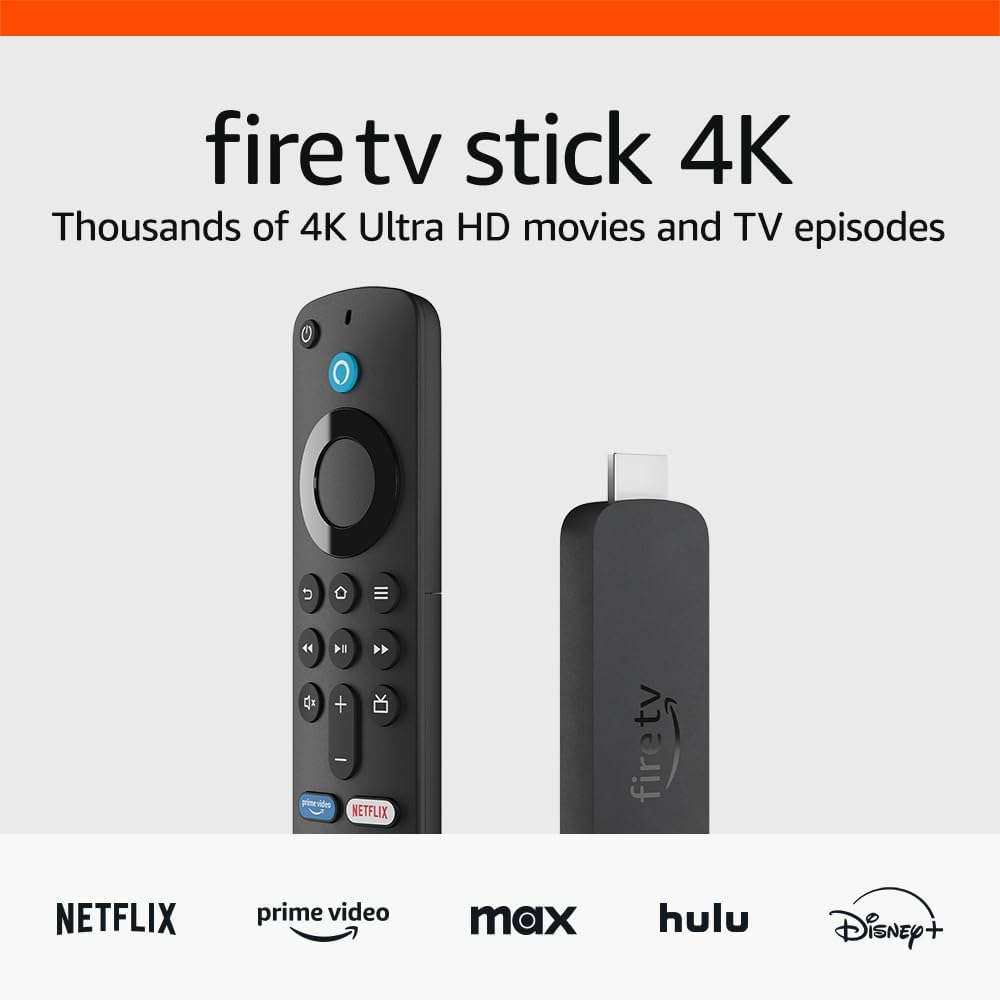
The next generation of our most popular 4K streaming stick
Upgrade your 4K streaming experience with Fire TV Stick 4K—now powered by a quad-core 1.7 GHz processor for faster app starts and more fluid navigation. It makes getting to the good stuff even easier—all for an affordable price.

An ultra-cinematic 4K experience
From playoffs to premieres, experience it all like you’re there with support for cinematic 4K Ultra HD. Experience vivid color and brightness with support for Dolby Vision and HDR10+, immersive sound with Dolby Atmos, and smooth streaming with Wi-Fi 6. Add compatible Echo speakers for a complete Alexa Home Theater.


Enjoy smooth 4K streaming in your home
Our most popular streaming stick now supports Wi-Fi 6 for smooth 4K streaming, with less interference from other connected devices. To use Wi-Fi 6, you’ll need a compatible router like the eero Pro 6. If you have a Wi-Fi 6E router, we recommend Fire TV Stick 4K Max. Fire TV Stick 4K works with earlier wifi routers, too.
Wi-Fi 6 support
Reduces network congestion for smoother video streaming across multiple devices.
Fast speeds
Enjoy fast speeds and low latency when streaming 4K content or playing games in the cloud.
Dual-band
Supports 2.4 GHz and 5 GHz bands,
so you can connect to the
least-crowded frequency.
Searching made breezy
Now you can find movies by actor, plot, and even iconic quotes with Fire TV Search. Go from “no idea what to watch” to “no idea I’d love this so much” with access to 1.5 million movies and tv episodes.
“Alexa, show me action movies with car chases.”

Stream free movies,
shows, and clips
Power on and start watching a world of free entertainment through ad-supported streaming apps like YouTube, Amazon Freevee, Tubi, and Pluto TV. You can access over 300,000 movies and TV episodes without paying for subscriptions. And, the Fire TV Channels hub brings you free news clips, sports highlights, music videos, movie trailers, cooking tips, comedy bits, gaming videos, and more.
From smart home control
to smart living
Control compatible smart home devices right from your TV. You can press and ask Alexa to do things like show Live View Picture-in-Picture camera feeds without interrupting your show, check the weather, order a pizza, and stream music. And Fire TV is always getting smarter with new Alexa Skills and voice functionality. Learn more about compatible smart home devices.
Simple to set up and use

Step 1
Plug Fire TV Stick 4K directly into your HDMI input.

Step 2
Attach power cable, and plug
into wall outlet.

Step 3
Pair remote with TV, connect to
internet, and enjoy.
How to Set Up Your Amazon Fire TV Stick 4K
Step 1: Connect the Device
- Plug the Fire TV Stick into your TV’s HDMI port. Use the HDMI extender if space is tight.
- Connect the USB cable to the Stick and the power adapter, then plug into a wall outlet (avoid using the TV’s USB port).
- Insert the batteries into the Alexa Voice Remote.
Step 2: Select the Input
Turn on your TV and switch to the HDMI source where the Fire Stick is connected.
Step 3: Follow On‑Screen Prompts
- Pair the remote (hold the Home button if it doesn’t pair automatically).
- Choose your Wi‑Fi network and enter the password.
- Sign in with your Amazon account.
- Allow the device to install any updates.
How to Install Apps on Fire TV Stick
From the Amazon Appstore
- On the Fire TV home screen, select the Search icon.
- Type the app name (e.g., Netflix, Disney+).
- Select the app tile, then click Get or Download.
- The app will install automatically and appear on your home screen.
From the Amazon Website
Visit the Amazon Appstore on your browser, find the app, and click Deliver to → choose your Fire TV device. It will install remotely.
Sideloading (Optional)
If an app isn’t available in your region, you can sideload it using the Downloader app.
Note: Only use trusted, legal sources for APK files. Avoid risky third‑party sites.
Recommended Apps for Movies & Series
Premium Streaming
- Netflix – Global movies and series.
- Amazon Prime Video – Included with Prime membership.
- Disney+ – Marvel, Star Wars, Pixar, family content.
- Max (HBO) – Prestige series and films.
- Apple TV+ – High‑quality originals.
- Paramount+ – CBS/Paramount shows and movies.
Free, Ad‑Supported Streaming
- Tubi – Large free library of movies and shows.
- Pluto TV – Live channels plus on‑demand content.
- Freevee (Amazon) – Free movies and series with ads.
- YouTube – Free content plus rentals/purchases.
Media & Extras
- Plex – Stream your own media library and free content.
- Kodi – Advanced media hub (use legally).
- JustWatch – Helps you find where movies/series are streaming.
Quick Tips
- Always use the included power adapter for best performance.
- Keep Fire OS and apps updated for smooth playback.
- For buffering issues, use 5 GHz Wi‑Fi or an Ethernet adapter.
- Enable parental controls if kids will be using the device.
Related products
-
Amazon Fire Tv Stick
Amazon Fire TV Stick 4K Select (newest model), easy set up, 4K Ultra HD with HDR 10+, all your favorite apps in one place For Sale Trinidad
 Amazon Fire Tv Stick
Amazon Fire TV Stick 4K Select (newest model), easy set up, 4K Ultra HD with HDR 10+, all your favorite apps in one place For Sale Trinidad
🔥 Amazon Fire TV Stick 4K Select For Sale Trinidad
Turn Any TV into a 4K Smart Streaming Beast – Fast, Easy, and Packed with Features!🚫 Tired of juggling remotes, slow apps, or searching endlessly for what to watch?
✅ The Fire TV Stick 4K Select is your all-in-one streaming solution — now smarter, faster, and more powerful than ever!
💻 Model: Amazon Fire TV Stick 4K Select (Newest Model)
🖥️ Display: 4K Ultra HD with HDR10+ for vivid color and crisp visuals
⚙️ Setup: Easy plug-in HDMI and Wi-Fi connection
🧠 AI Power: Alexa voice search for fast results and smart home control
💾 Content Access: 1.8 million+ movies & episodes including 400,000+ free titles
🎮 Gaming: Stream Xbox titles like Starfield & Forza Motorsport via cloud — no console needed
📡 Apps: Prime Video, Netflix, Disney+, Apple TV+, YouTube, HBO Max & more
🏠 Smart Home: Use Alexa to dim lights, check weather, play music, and more• UPC Code: 840268958794
SKU: n/a -
Amazon Fire Tv Stick
Amazon Fire TV Stick HD For Sale Trinidad
- Latest generation of our best-selling Fire TV device – 50% more powerful than the 2nd generation for fast streaming in Full HD. Includes Alexa Voice Remote with power and volume buttons.
- Endless entertainment – Stream more than 1 million movies and TV episodes from Netflix, Prime Video, Disney+, Peacock, and more, plus listen to millions of songs. Subscription fees may apply.
- Live TV – Watch your favorite live TV, news, and sports with subscriptions to SLING TV, YouTube TV, and others. Use the Guide button to see what’s available and when.
- Free TV – Access over 200,000 free movies and TV episodes from popular ad-supported streaming apps like IMDb TV, Tubi, Pluto TV and more.
- Listen to music – Stream on Amazon Music, Spotify, Pandora, and others. Subscription fees may apply.
- Less clutter, more control – Alexa Voice Remote lets you use your voice to search and launch shows across apps. All-new preset buttons get you to favorite apps quickly. Plus, control power and volume on your TV and soundbar with a single remote.
- Home theater audio with Dolby Atmos – Feel scenes come to life with immersive Dolby Atmos audio on select titles with compatible home audio systems.
SKU: n/a